

I solve performance issues through immersive e-learning experiences.
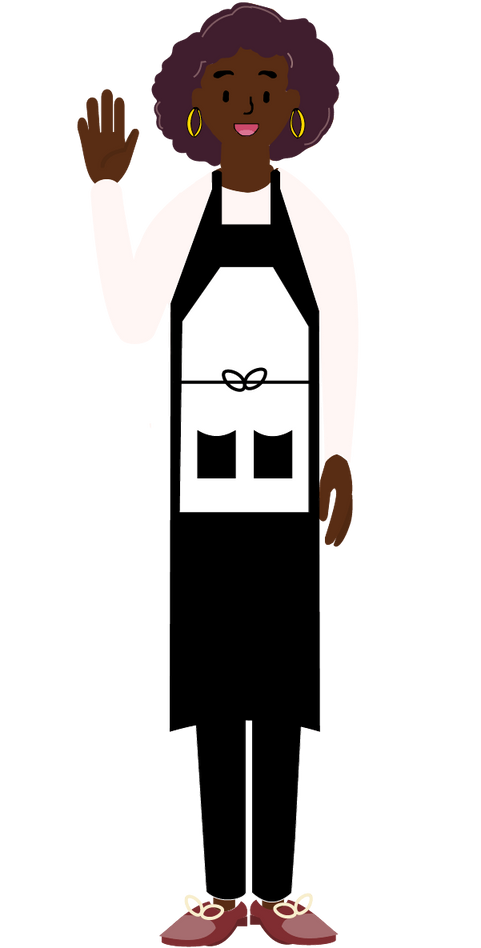
Hi, my name is Ariella.
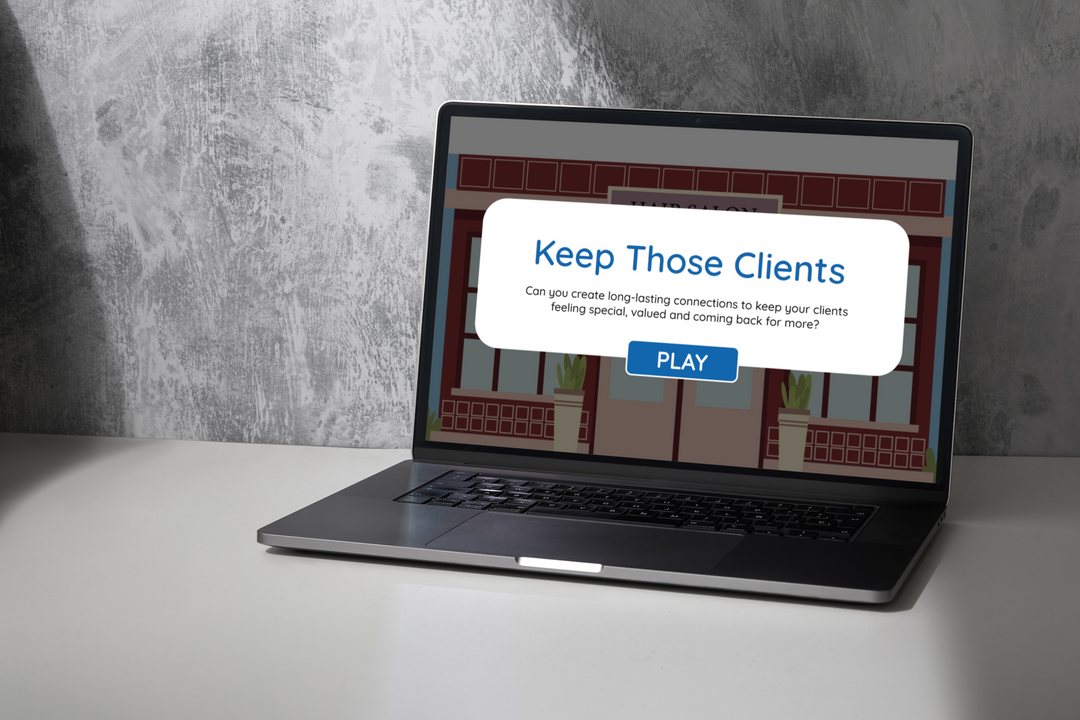
Consistent Customer Service
I developed and designed a self-paced eLearning concept for hair stylists to practice their customer service skills to increase client retention.
PROJECT OVERVIEW
Audience: Hair Stylists
Responsibilities: Instructional Design, eLearning Development, Action Mapping, Storyboarding, Visual Design, Illustrations
Tools Used: Articulate Storyline 360, Adobe Illustrator, Google Suite, MindMeister
The Shear Decadence Salon (a fictional client used for this project) noticed a high majority of their stylists are losing long-term clients. The continuous departure of these crucial clients is costly, causing a decrease in business, and a lack of customer faith.
After analyzing the performance problem, I confirmed the problem lay in a lack of knowledge and skill required to maintain long-term clients. I proposed a scenario-based eLearning experience where stylists could practice providing consistent customer service for a client.
The goal is to make clients feel special and valued no matter how
many times they have sat in a stylist's chair by providing stylists
with a risk-free environment to make decisions and see their consequences. I proposed having a gamified “emotion meter” to see the client’s feelings throughout appointments. I also suggested including customer reviews throughout the project based on learners' choices to mirror what stylists experience on a day-to-day basis.
The client accepted my proposal and we proceeded with the project.
PROCESS
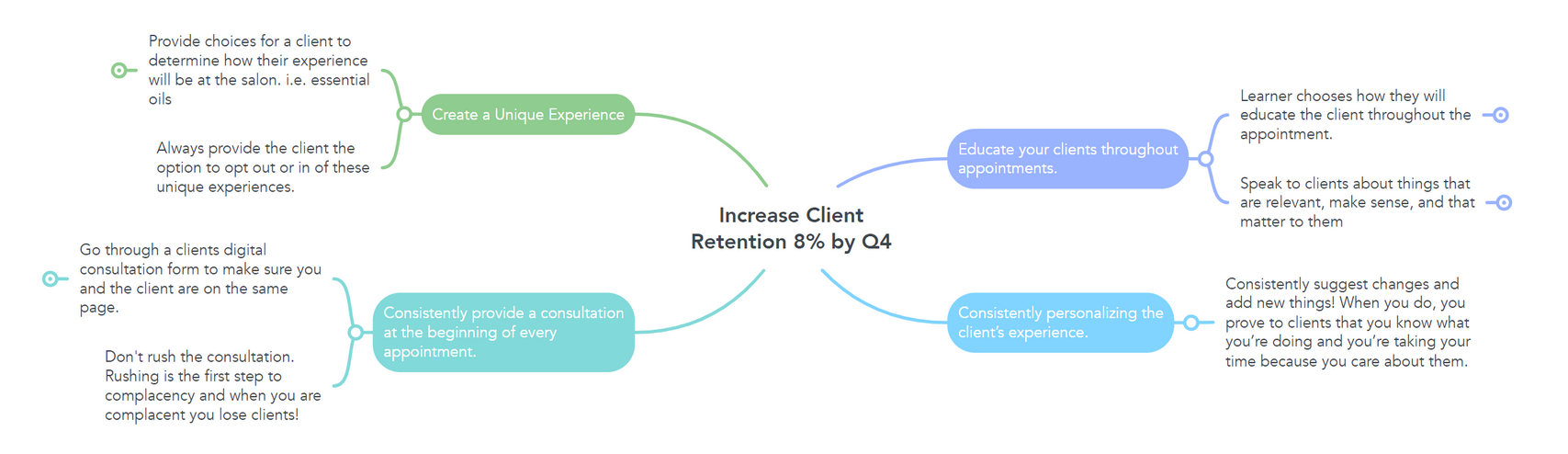
Action Map:
I worked with an experienced hair stylist as my subject matter expert (SME) to create an Action Map. We established the goal of the project and the actions needed to be taken by stylists to provide consistent customer service. We then decided to use “My Business Reviews” to track the progress of the learner during the project.
Text-Based Storyboard:
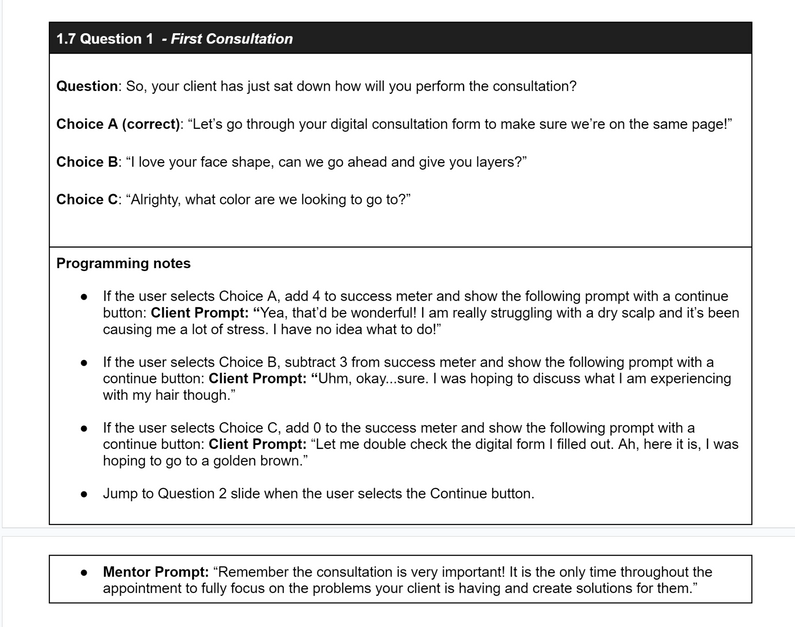
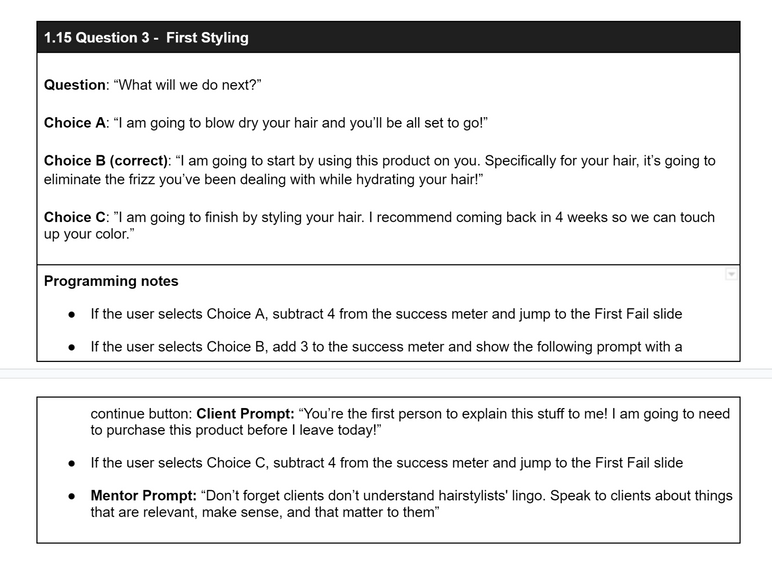
After approval, I used the Action Map to create a Text-Based Storyboard. This allowed me to translate the actions into a practical breakdown of the scenes within the project. It was a tangible document for me and the SME to ensure every scene in the project was an accurate representation a stylist would have in an appointment.
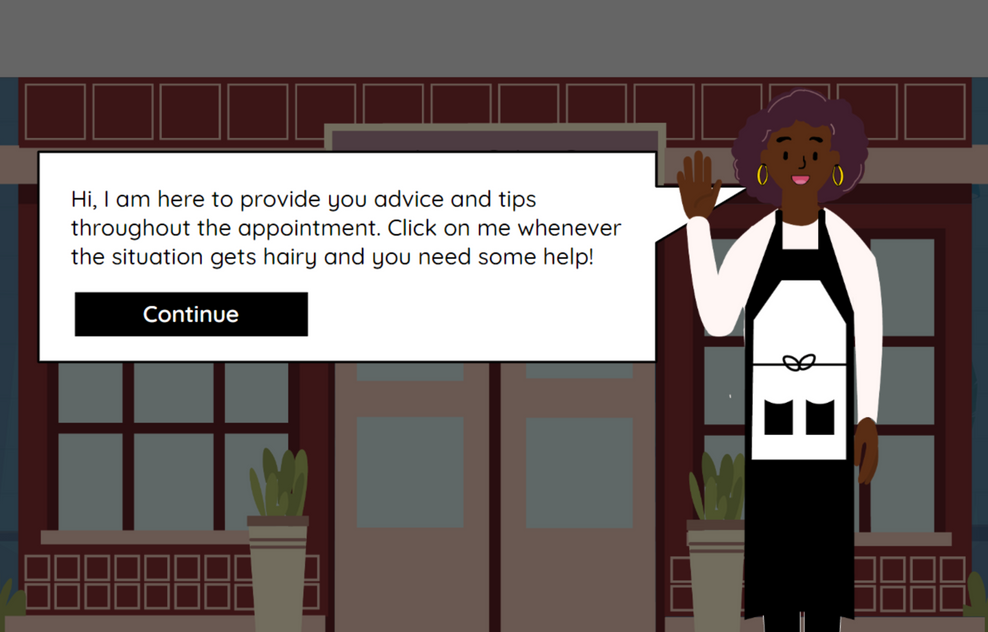
We decided to extend the timeline of the project from just one appointment to 2 different appointments. The learner initially meets with a new client and then meets with them again in 6 months. Choosing to create a long timeline would require stylists to provide consistent customer service to keep their fictitious long-term clients happy. A mentor character is provided throughout the project to mirror the environment of a salon in real life.
Depending on the choices made by the learner, the client's attitude and facial expressions change. These changes are further communicated to the learner with the use of the gamified “emotion meter". In particular the scene "1.5 Question 3" has two alternative endings. If the user chooses an incorrect choice a negative business review is shown with the loss of their client.
Visual Mockups:
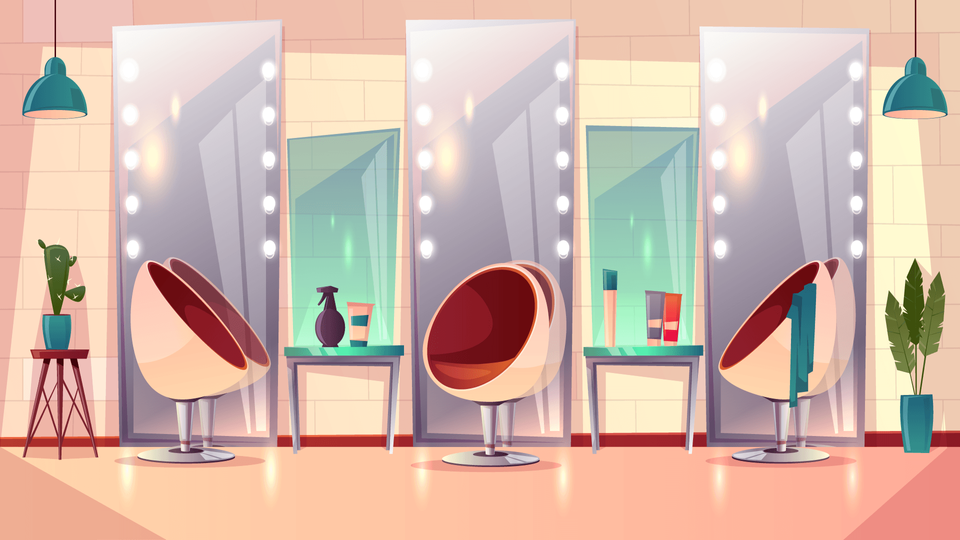
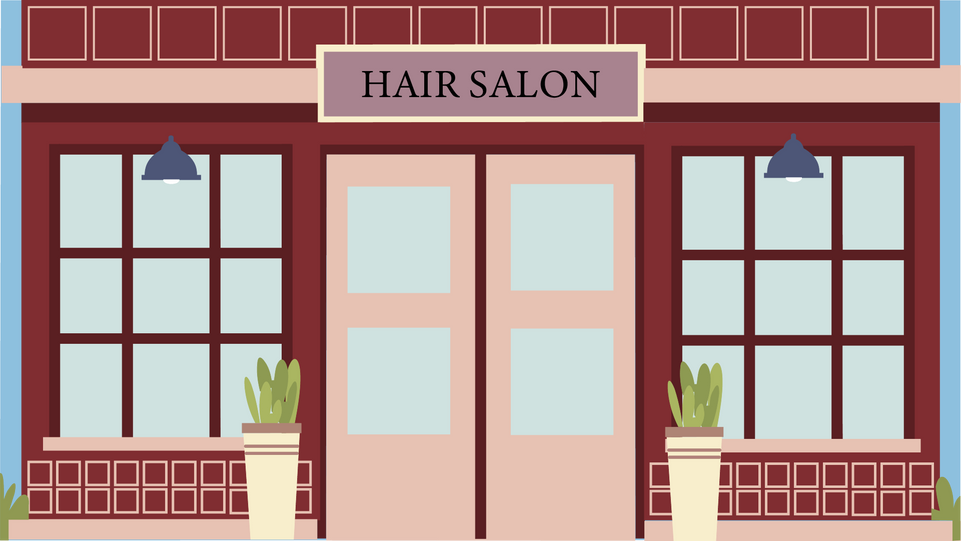
To create the visual mockups, I used Adobe Illustrator. I found a Vector Image of a Salon on Freepik and used the image to determine the color palette and one of the backgrounds. I then looked for inspiration for other backgrounds and characters and drew my own and changed features to meet my needs.
My ultimate goal when creating the visual mockups was to make sure every piece of the background and characters was cohesive with the color palette I chose.
I really enjoyed being able to creatively express the vision of the project by creating one-of-a-kind vector images.

Interactive Prototype:
I used Articulate Storyline 360 to create an Interactive Prototype. The Prototype consisted of slides introducing the entire project, mentor, emotion meter, and appointment. It was followed by the first question and its corresponding consequence slides.
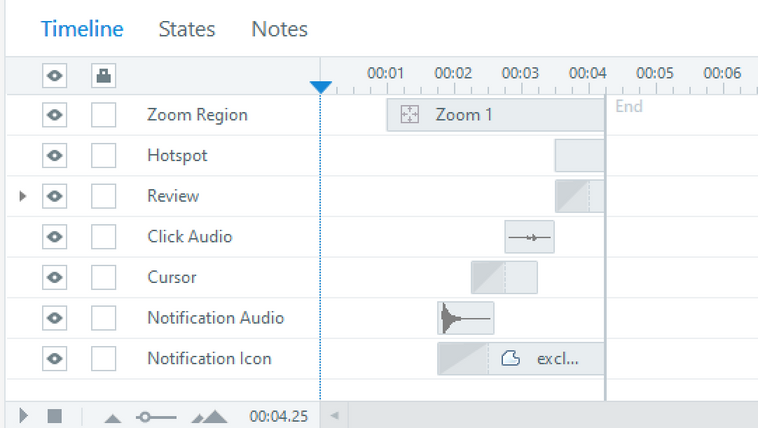
Once the Prototype was designed to the desired liking, I programmed the transitions between each slide. These transitions were programmed to a specific time and were triggered based on variables I created to monitor a learner's actions.
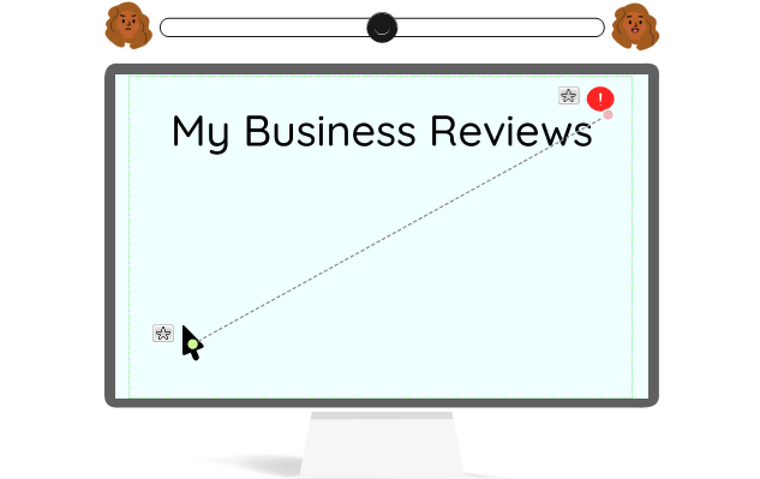
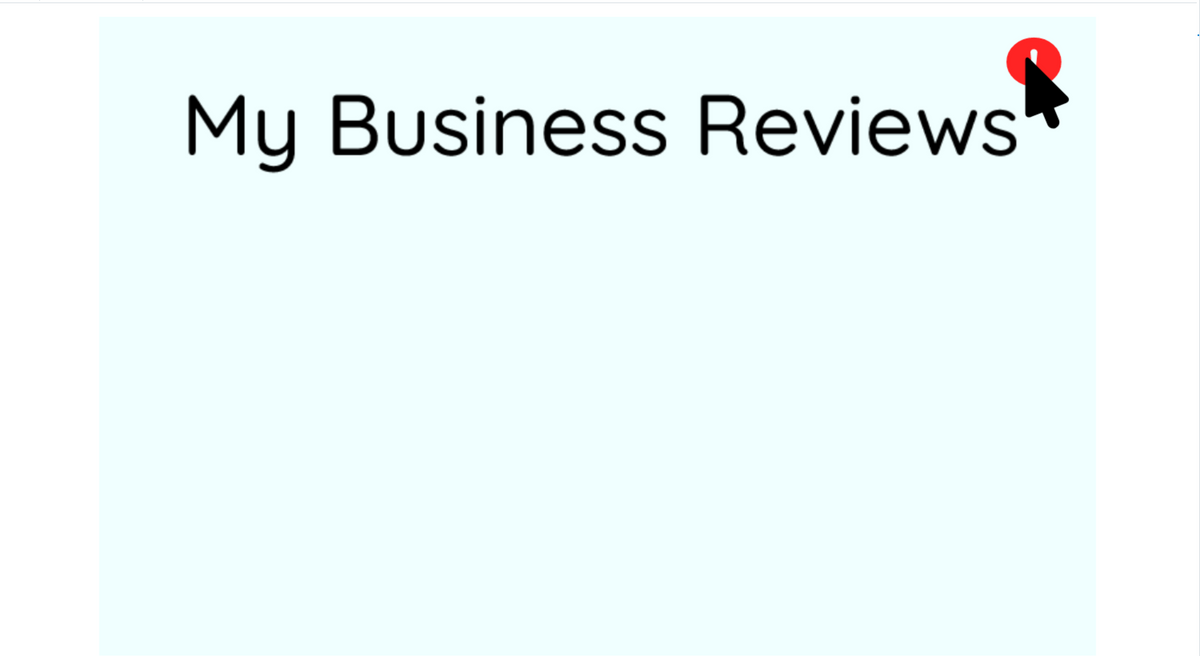
I also customized animations on each slide. On the “1.16 First Fail Slide,” I animated a cursor to show a notification being opened on this slide. I animated the cursor on a determined motion path which was timed to fit correctly into the overall slide timeline.
When the Prototype was completed, I shared it with peers and was met with compliments for being a clean and cohesive design. With the feedback I was given, I added audio for a notification ding and a click to mimic the cursor clicking on the message. This made the project feel more immersive and was a nice touch.
Full Development:
With the design perfectly coordinated and the programming correctly fit to the timeline I was able to take the completed Prototype and hand it over to the SME for approval. After approval, I was efficient in developing the rest of the project.
Features:
Custom Visuals: Using Adobe Illustrator I was able to create and customize every single visual piece on the project (except the interior of the salon). The customization aided me in a seamless color palette and an accurate salon visual.
Limited Internet Speed: The project has a ton of assets, but that doesn't mean I want it to take too long to load. To compensate for those with limited internet speed, I compressed all of the assets within the project up to 20%. Now the image quality stays crystal clear, but the image is just smaller taking less time to load.
Representation and Accessibility: The diverse characters contribute to a more inclusive, respectful, and vibrant community within the salon. It provides opportunities for representation, challenges stereotypes, enhances storytelling, and engages broader audiences. I also included Alt Text for those with eReaders in the project.
Custom Animations: On a couple of slides, I animated a notification icon to appear and a cursor following a motion path from the bottom left of the screen to click the notification. These animations have corresponding audio to enhance learners' experience.
Perspective Feedback - Mentor: Adding a mentor character helped mimic the salon experience of being able to ask a more experienced hair stylist for help and tips.
Gamification: The gamified emotion meter engages learners with the project and content. I programmed the emotion meter to move towards the happy client icon when the correct answer choice is made and vice versa when the incorrect answer is chosen. This was one of my favorite things to create and program in the project!

My Business Reviews: The "My Business Reviews" monitor the success of the learner throughout the project. It communicates to learners if they made the correct choices or if there are negative consequences to their actions.
Scenario Branching - Lose of Cilent immediately: The scenario branching takes place after the very first appointment in the project. After completing the first appointment, the user either moves further through the project or escalates to immediately losing the client and receiving a bad review on their “My Business Reviews” to simulate how disastrous a negative review can be.
REFLECTIONS
I can honestly say I enjoyed every moment of creating this project. It was a huge learning curve, but my creativity and organization thrived. I got to work with an SME, learn new tools and programs, incorporate feedback, and collaborate with peers. I even found joy in correctly programming the project to do exactly what I needed. Overall, I grew a ton as an instructional designer and had so much fun along the way.
Even with everything I created, if I had more time and resources, I would’ve loved to expand the project in the following ways!

Increased Accessibility: I would’ve loved to have provided two
different project experiences the learner could have chosen to take.
The original one I have created here but also one that provided a
voice-over of the entire project. With a voice-over plus closed
captions. It would be beneficial to use Assistiv Labs to instantly test
how accessible the experience is with real assistive technologies.
Review: A review slide at the end of the project would have been a great addition. It would allow learners to see and understand why they got questions incorrect. Providing more insight and understanding is the key for learners who don’t succeed on the first attempt to be able to go back through again and complete the project.
Increased Scenario Branching: With more time I would have increased the amount of scenario branching in the project. This would help convey the different outcomes and consequences that can happen with a client during a hair appointment. I only created a few, but many more scenarios contribute to a long-term client choosing to leave.
About Me
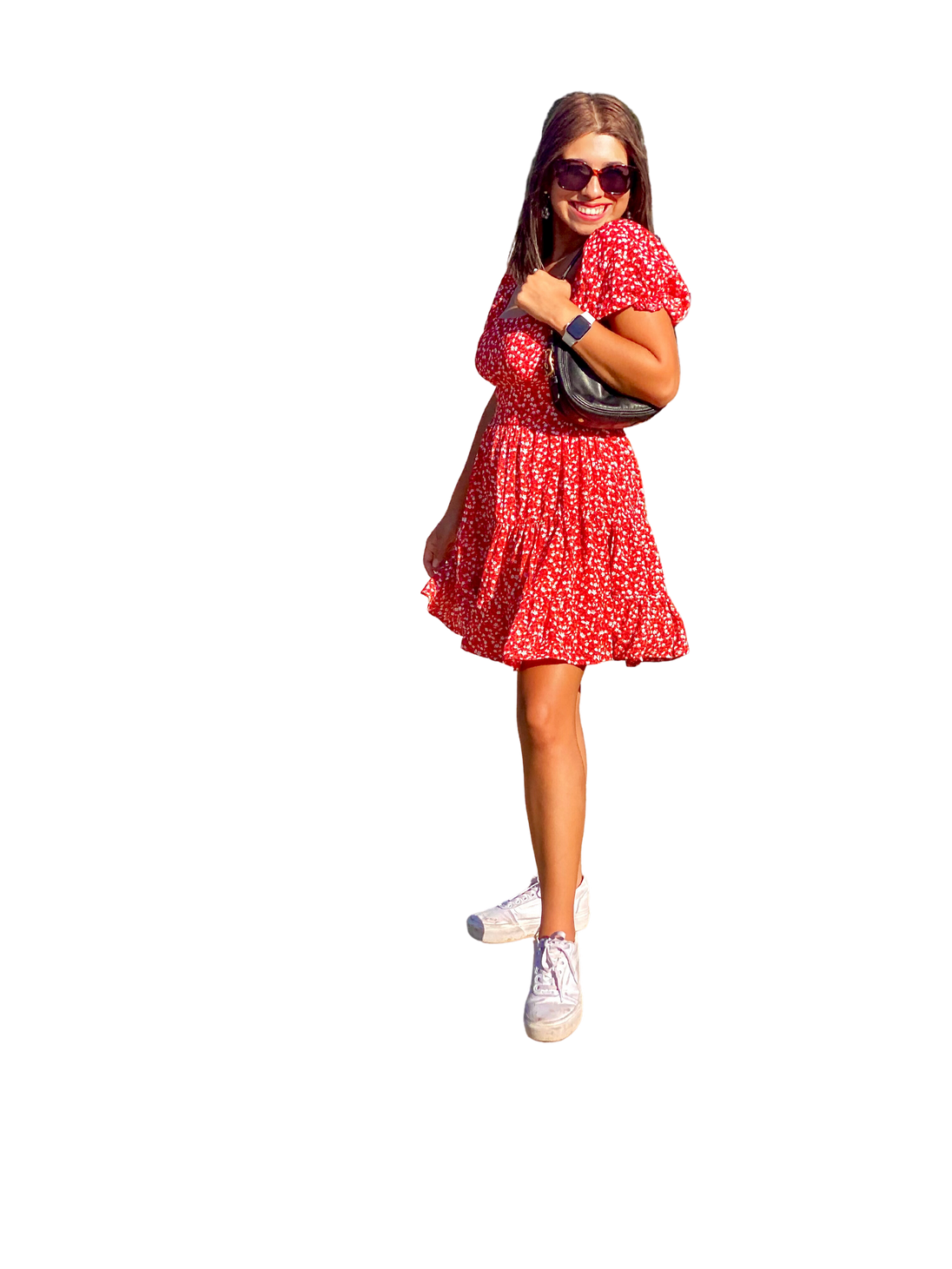
I am a perfect candidate for an instructional designer job! Creative problem-solving and strategizing are my favorite skills to exercise. I possess a rich understanding of education, learner perspectives, pedagogical skills, and adaptability. I love designing flexible, responsive, and adaptable materials for different learning contexts.
Aside from these job-specific skills, I embody a spirit of ambition and thoughtfulness. This spirit is the heart that characterizes everything I design and do. I believe the key to developing successful eLearning scenarios is through collaboration. Working in teams is an environment that I am accustomed to, and I look forward to hopefully collaborating and working with you in the future!
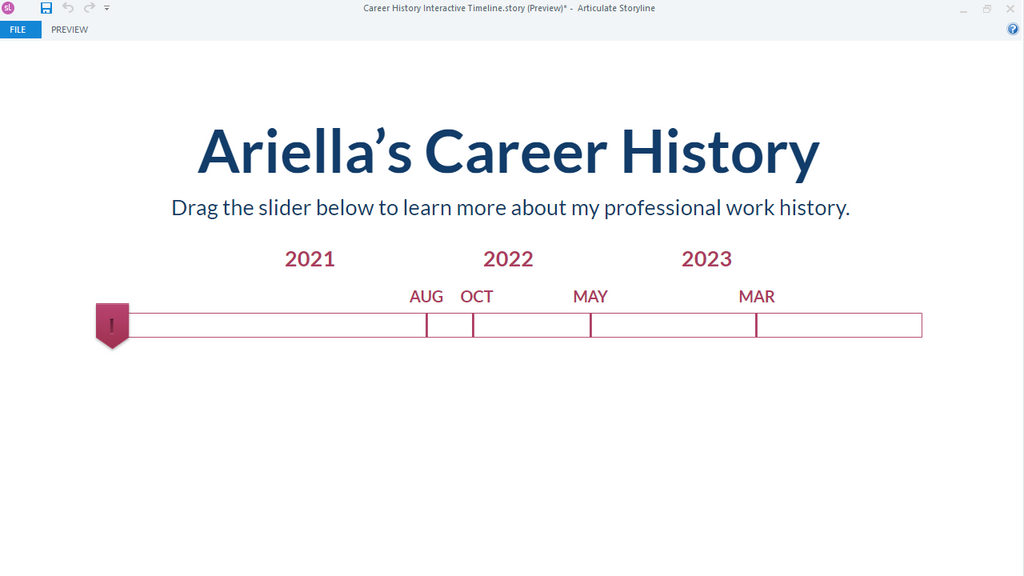
Education:
id principals:
Eduflow
Bachelor of Science:
Texas A&M University
Skills:
- Storyboarding
- Action Mapping
- Instructional Design & eLearning Development
- Visual Design & Illustrations
- Prototyping
- Curriculum Design
- Project Management
Toolkit:
- Articulate Storyline
- Adobe Illustrator
- MindMeister
- Canva
- Google Suite
CONNECT WITH ME